Separate when there is room.
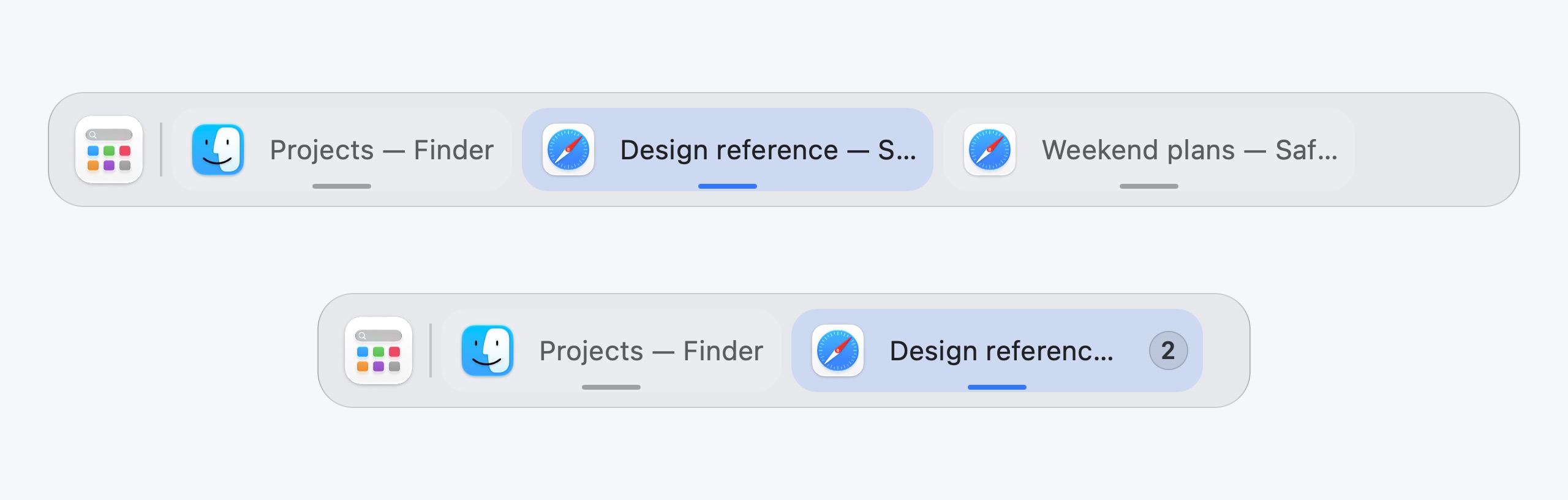
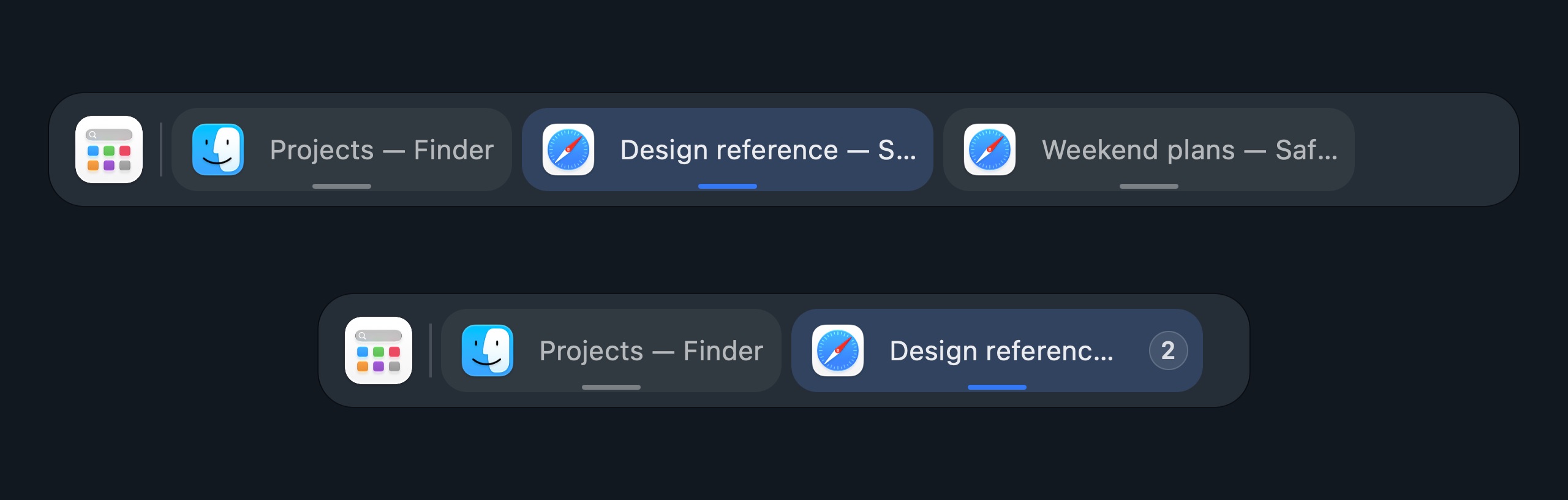
Keep individual window buttons while there is space.
 Dockline
Dockline is a native macOS taskbar for individual windows. Find a window by title, preview its contents and switch between Spaces from the same bar.
Interactive demoChoose a window or desktop
Version 1.274 · macOS 26.5 or later. Signed with Developer ID and notarized by Apple. Release history
The interactive scenes use example windows. Website controls do not change your Mac.
A browser for work, another for weekend plans. A draft beside your notes. Dockline gives each window a place you can recognize.
Keep individual window buttons while there is space.
As the bar fills up, windows from the same app can gather into a group.
Open a group to see window titles and previews together. Choose the document you need before bringing it forward.
Window previews use Screen Recording permission.Expanded windows fit above Dockline. Choose instant or smooth adjustment; native full screen remains a separate mode.
Hold a file over a task to reveal its window. Then move the file into that window and drop it there.
Interactive demoLive preview
A second display and separate desktops should make your workspace easier to read. Keep their windows organized on the bar.
BetaDrag a task to the other display, or select it and use Move
Interactive demoLive preview
Interactive demoLive preview
Show only the windows on each display, or use a shared view. Your project on one screen, your notes on another.
Group windows by desktop and switch with desktop buttons or the mouse wheel. Full-screen apps have a place on the bar too, including Apple TV.
Drag a task to the bar on another display to move its window. Enable this feature separately; compatibility is still being tested.
Screenshots of real Dockline components with demonstration data, in your selected theme.


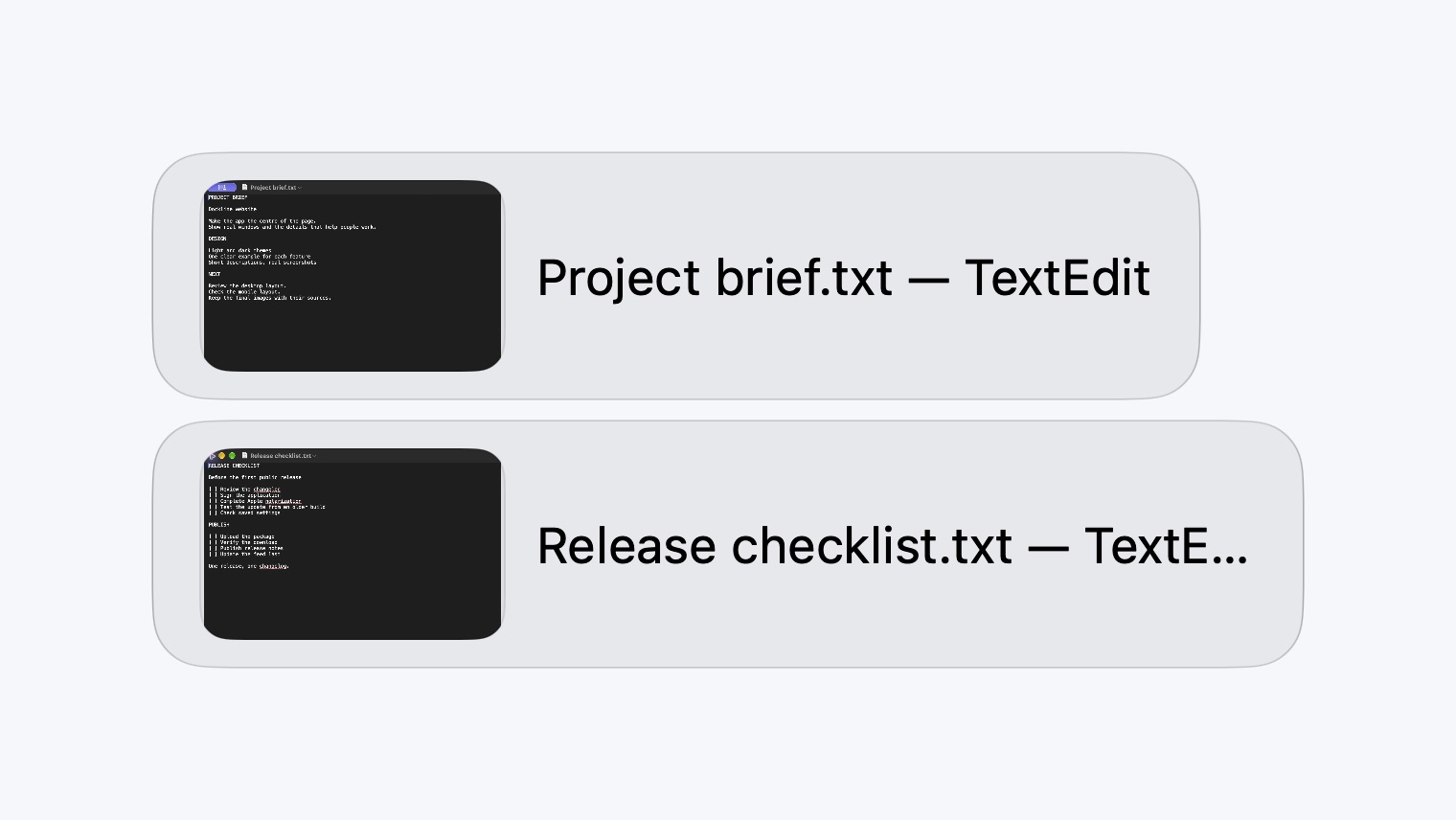
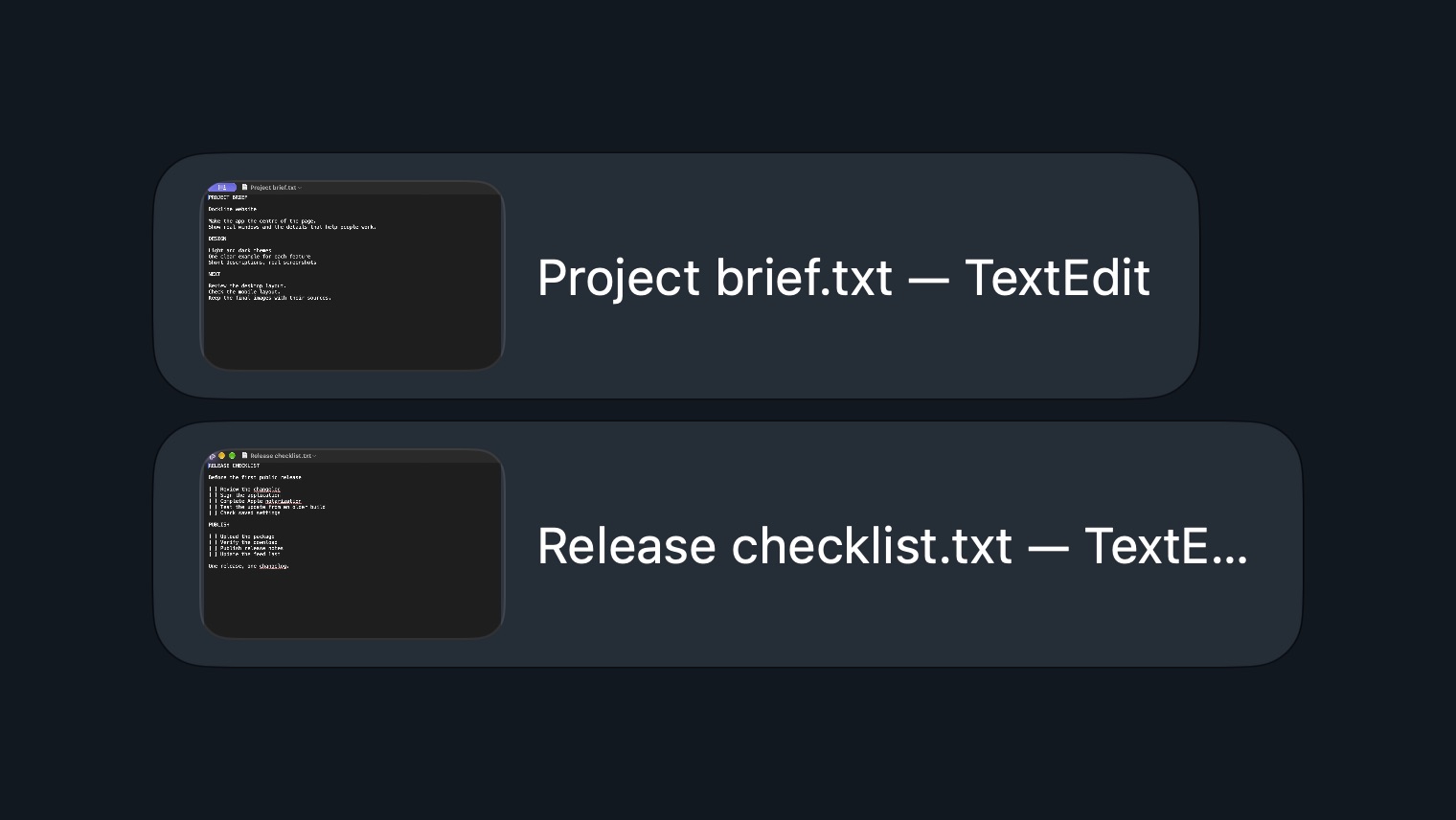
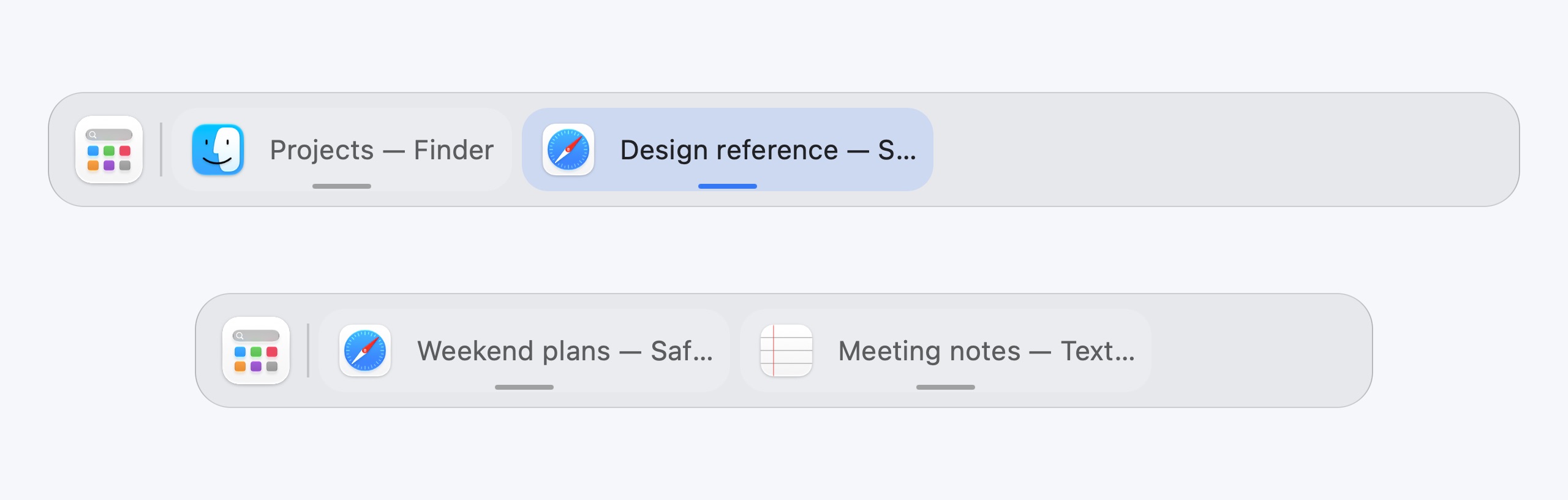
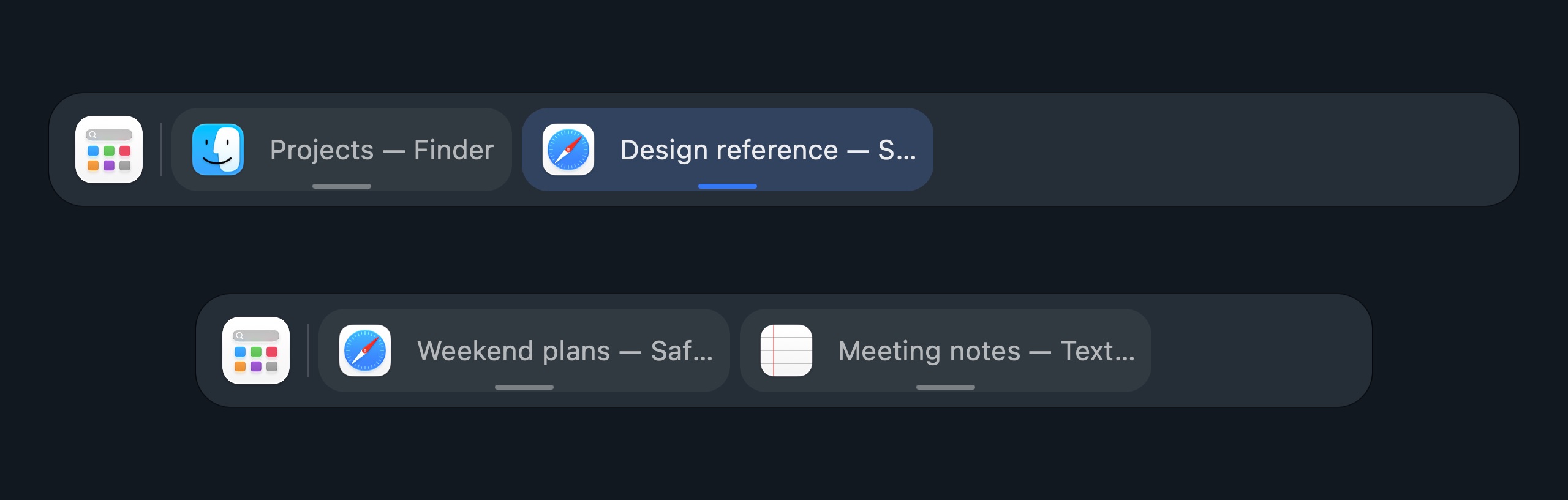
Native macOS glass, familiar controls, and the details that make a workspace feel right. Every feature is included.
Interactive demoLive preview
Screenshots show real Dockline components with demonstration data.
Try Dockline for one calendar month, free. Buy a year when it fits your workflow. Your card is never charged automatically.
$19.90 / year
Standard price via Paddle, plus applicable tax.
Open Settings → Licensing and choose Buy a license. Your current offer and final total appear before payment.
Download & start your TrialAn active Trial gives you a discount on a year of access when paid access is not active. The rate follows the time left in your Trial: 1% per remaining day, up to 20%. A partial day counts as a full day.
Discount
One year$19.90
24 days left: the discount is capped at 20%. Illustrative calculation. Your exact offer appears in Dockline.
$19.90 $15.92
Example at 20% off. One year, up to two Macs. Applicable tax is added by Paddle.
See your exact discount in Settings → Licensing. Start the purchase there so the offer is linked to your Mac. No promo code is needed.
The offer ends when the Trial expires and is unavailable while paid access is active. Your first paid year starts on the purchase date, including when you buy during Trial.
Payment is handled by Paddle as Merchant of Record. The final total includes any tax required for your location. Terms · Refunds · Privacy.
Trial starts automatically after setup when Dockline connects. No card or purchase account required.
Every feature stays available throughout Trial. Check your current discount in the app before purchasing.
After buying, you have one calendar month to request a refund under the refund terms. This period follows payment.
A few practical details.
Need a hand? Contact support
Dockline supports Macs with Apple silicon and Intel processors running macOS 26.5 or later.
Download and open the DMG, then drag Dockline.app to Applications. Open Dockline and follow the setup steps.
Accessibility is needed to manage windows. Screen Recording is used for window previews. Track position needs separate Automation permission for each player. The preview and media features can stay off.
No. Trial does not turn into a subscription or a charge. To continue using Dockline after Trial, buy a year of access. Each later year is a separate purchase.
The discount is the number of remaining Trial days rounded up, capped at 20%. For example: 20 or more days means 20%, 10 days means 10%, and the final partial day means 1%. There is no Trial discount after expiry or while paid access is active. The app shows your current eligible offer.
Your purchase account shows paid periods and registered Macs. One purchase allows up to two active Macs. Buy another year before expiry to add it after your current paid term.
Try every Dockline feature free for one month.
macOS 26.5+ · Apple silicon & Intel